 DPS Tracker
Closed test · Android
Help test DPS Tracker
12 people, 14 days, then it's on Google Play for everyone. Your receipts stay on your phone.
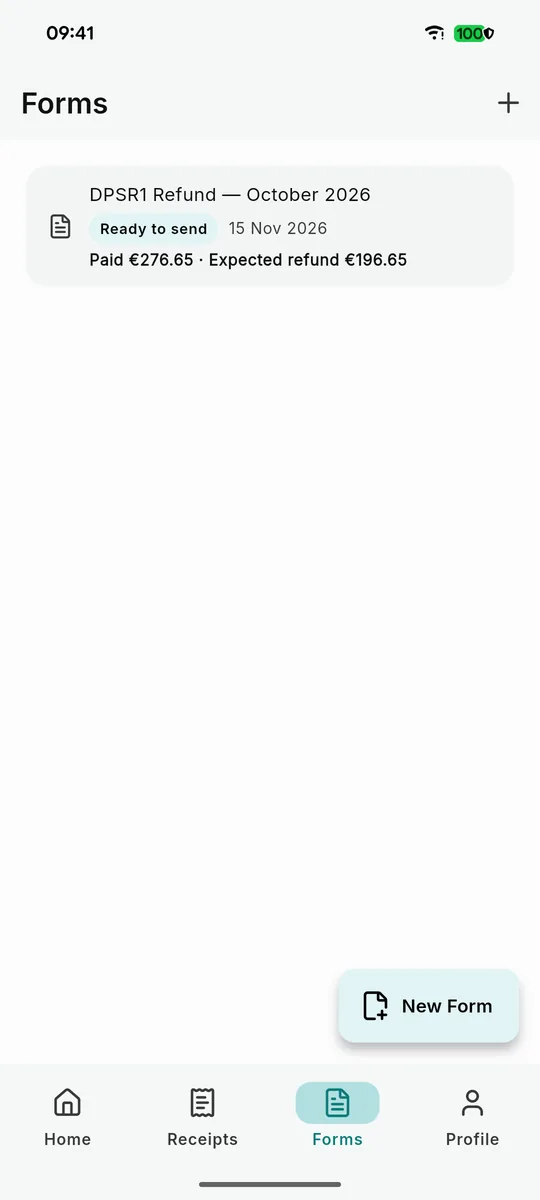
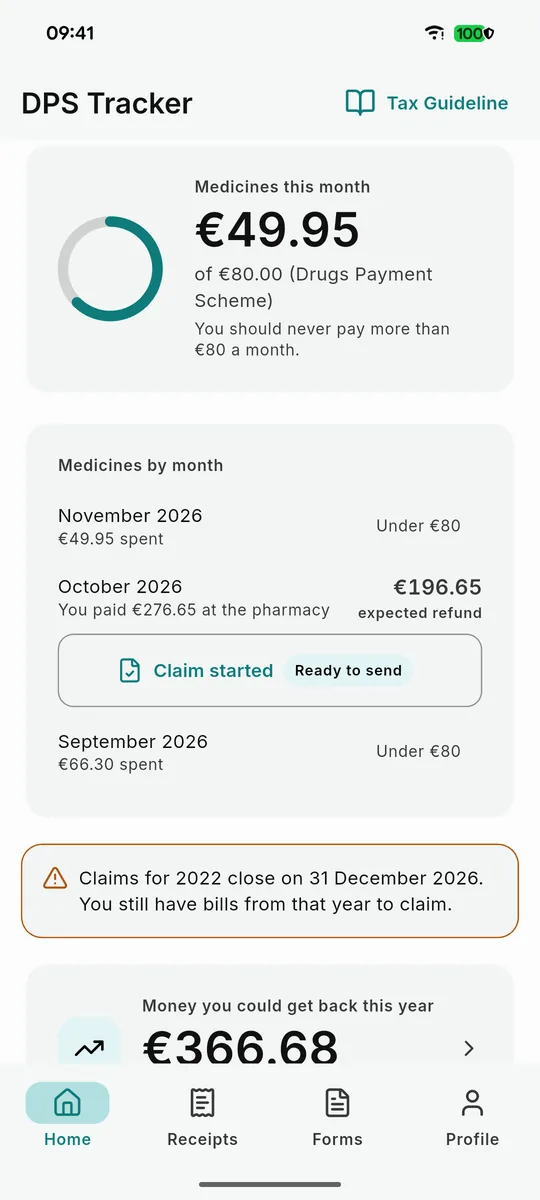
Three steps, about two minutes
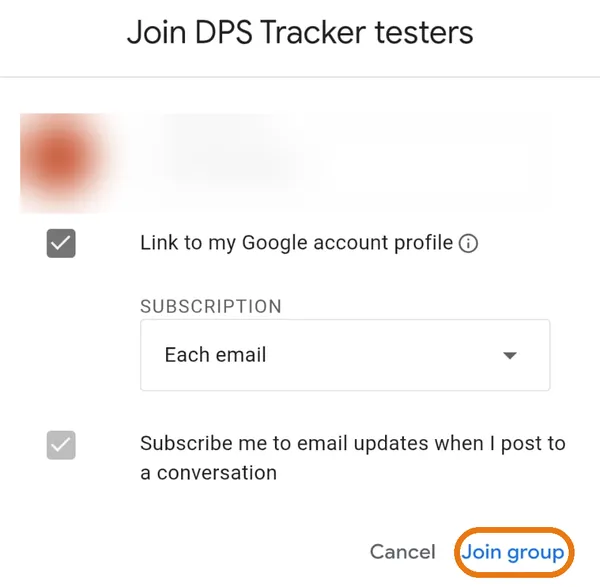
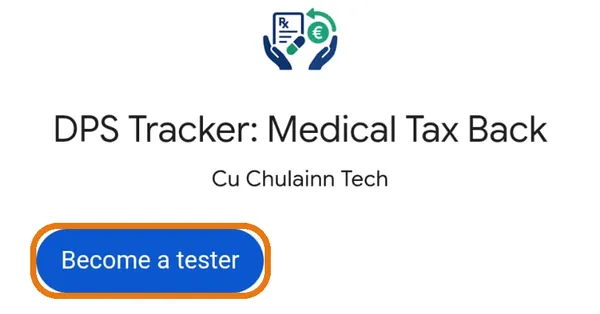
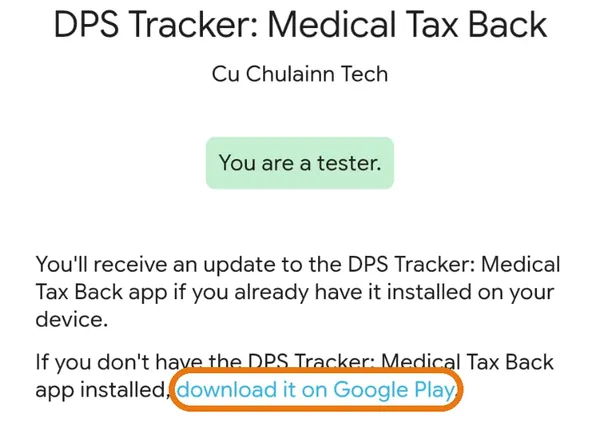
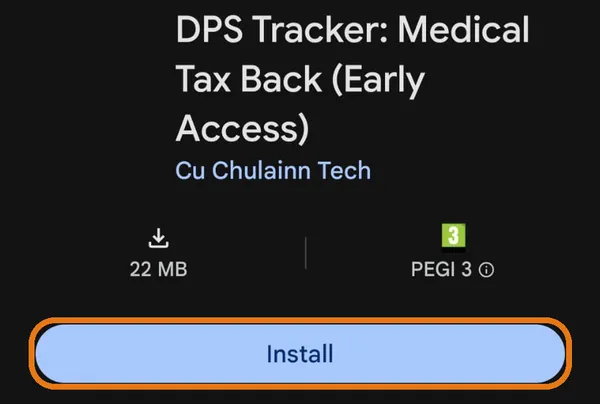
Do these on your Android phone, in order. Each button opens a new tab: come back to this page after each one. The pictures show what you will see, with the thing to tap ringed in orange.
Use the Google account that is on your Android phone (the one signed in to the Play Store) for all three steps. Joining with a different account is the most common reason the test doesn't show up.
- Join the testers group (opens in a new tab)
Tap Join group, then Join group again. Leave the other options as they are.

- Become a tester (opens in a new tab)
Tap Become a tester. When it says "You are a tester", tap download it on Google Play. If it says not available, wait 10 minutes after joining.
- Install from Google Play (opens in a new tab)
Tap Install. The app shows as DPS Tracker (Early Access). Keep it for 14 days.
If it says "Something went wrong on our end", tap Got it, wait 10 minutes and tap this step again. Google can take a few minutes to add you.
Then check in each evening for 14 days: tap a number and tell us anything that confused you. Get calendar reminders or check in for today.
Your 14 days
Google asks for 14 days in a row before the app can go public. Stay opted in until day 14.
- 1
- 2
- 3
- 4
- 5
- 6
- 7
- 8
- 9
- 10
- 11
- 12
- 13
- 14
You're in. Three steps on your phone
Use the Google account that is on your Android phone for all three.
- Join the testers group (opens in a new tab)
Tap Join group, then Join group again. Leave the other options as they are.
- Become a tester (opens in a new tab)
Tap Become a tester. When it says "You are a tester", tap download it on Google Play. If it says not available, wait 10 minutes after joining.
- Install from Google Play (opens in a new tab)
Tap Install. The app shows as DPS Tracker (Early Access). Keep it for 14 days.
If it says "Something went wrong on our end", tap Got it, wait 10 minutes and tap this step again. Google can take a few minutes to add you.
Then check in each evening for 14 days.
The calendar file is made in your browser. Questions? support@dpstracker.ie
Already testing? Check in for today.